
Rachel is the installations coordinator at a UK telecoms reseller. She manages provisioning across six concurrent installations on any given day, across five different carrier wholesale relationships.
Her morning starts the same way every day. She opens the shared inbox. There are eleven new emails. Three are from Gamma. Two from BT Wholesale. One from Virgin Media Business. Two from an address she has to think about for a second before she remembers which carrier it belongs to. The other three are customer queries that ended up in the wrong place.
She spends the next 45 minutes working out what each email means, which installation it relates to, whether it needs a CRM update, whether it needs a reply, and whether anything is now overdue. By the time she finishes, two more emails have arrived.
This is how provisioning management works at most UK resellers operating across multiple carriers. The shared inbox becomes the de facto installation tracking system — not because anyone designed it that way, but because nothing better ever got put in its place.
The problem is visible to everyone who touches it and invisible to everyone who doesn't. The MD knows Rachel is busy. What they rarely know is how much of that busyness is email triage rather than actual installation management. And they almost never know what it costs.
Here is what's counterintuitive: the inbox that looks completely chaotic is, underneath, one of the most predictable things in your entire operation.
Every carrier sends the same types of emails. In the same sequence. For every order. Order acknowledgement. Provisioning update. Porting notification. Completion confirmation. Exception alert. The content changes. The sending address changes. The pattern doesn't.
That pattern is exactly what makes the inbox automatable — and it makes this one of the highest-value, lowest-effort projects available to any UK reseller running multiple concurrent installations.
The Carrier Inbox Tax
The cost of shared-inbox provisioning management is invisible because it's distributed across small increments throughout the day. Nobody books time against it. Nobody costs it out. It just happens — in five-minute windows, ten times a day, without anyone tracking it.
Here is what it actually adds up to.
A coordinator managing five to six concurrent installations across multiple carriers will typically spend 10 to 15 minutes checking and triaging the inbox, three to four times per day. Add three to five minutes updating the CRM for each meaningful carrier email. Add 10 to 15 minutes per chase when a status update is overdue — and with five carriers on the go, chases happen several times a week.
Run the maths across a full working month and you arrive at roughly 28 hours. That is not a rough estimate. It is what we have measured inside a UK telecoms reseller running this exact pattern.
At a fully-loaded cost of £31.25 per hour for a coordinator role — a £50K salary including employer on-costs, spread across 1,600 productive hours — the annual figure is £10,900. Every year. For a process that does not need a human to run it.
The harder number to calculate is what Rachel could be doing with 28 recovered hours per month. Proactive customer contact. Renewal management. Catching a delayed port before it becomes a complaint rather than after. The inbox is not just costing money. It is consuming capacity that should be generating it.
The Pattern Hiding in Plain Sight
Six carrier email addresses. No consistent subject line format. Emails arriving at unpredictable intervals from addresses that look nothing like each other. From the outside it looks random.
It is not.
Break down the emails from any single carrier across a standard installation lifecycle and you find the same categories appearing every time. Order received. Order in progress. Number porting initiated. Porting complete. Broadband live. Service active. The language differs by carrier. The sending address differs by carrier. The sequence is consistent.
What looks like chaos is actually a set of parallel, predictable sequences — one per carrier, one per order — arriving into a single inbox that was never built to surface them by order, by status, or by urgency.
The inbox is a container. It was never designed to be a workflow. The problem is not the emails. The problem is that the emails have become the system.
What the Fix Actually Looks Like
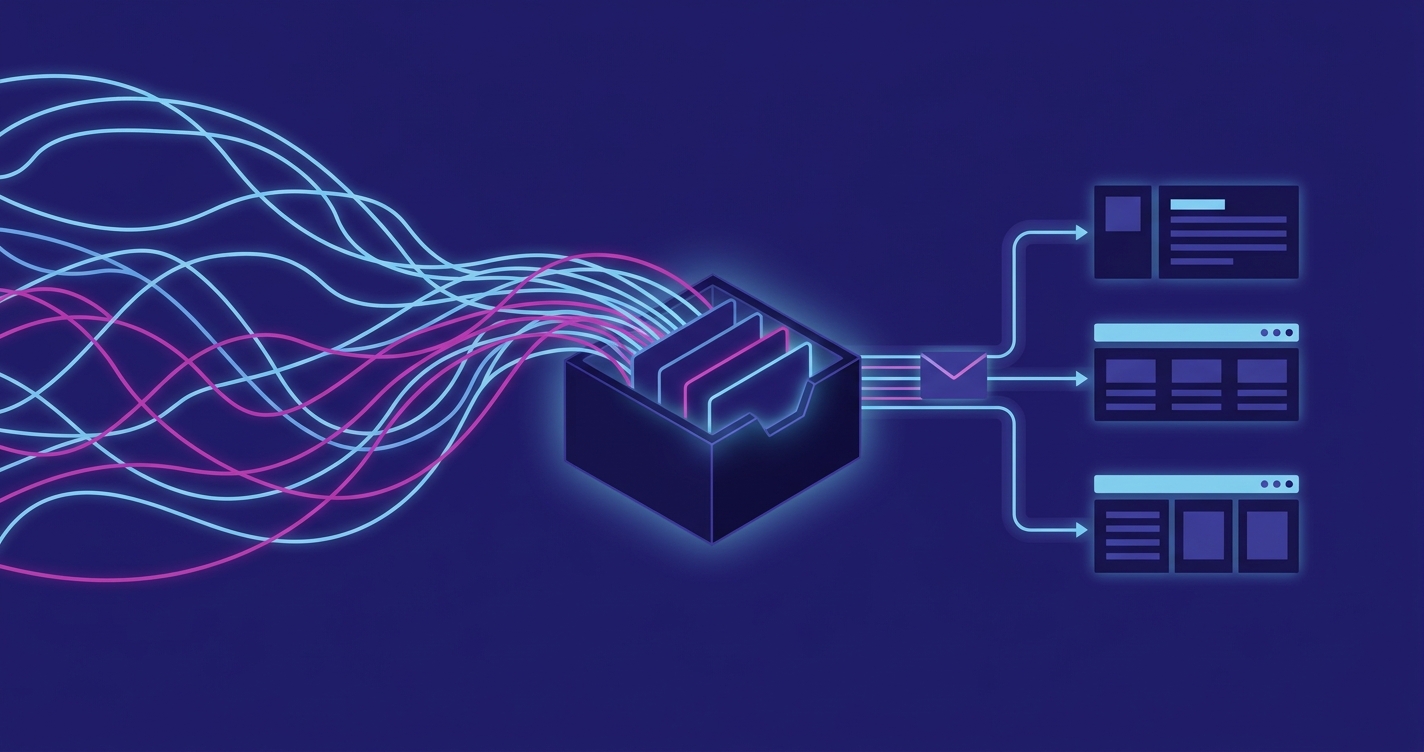
Fixing this does not mean replacing your email. It means adding a layer between the inbox and your team that handles the triage automatically.
Here is how it works in practice.
Every inbound carrier email is read by an automation workflow the moment it arrives. The workflow identifies the carrier from the sending address, reads the subject line and body to determine the update type, and matches the email to the relevant open installation in your CRM. The CRM record is updated automatically. If the update is routine — order in progress, provisioning complete — it is logged and the coordinator is not interrupted.
If the update requires action — an exception, a missed milestone, a porting rejection — the coordinator is notified directly, with the relevant context already pulled through. Instead of reading eleven emails to find the two that need attention, they see two notifications. Both actionable. Both with context attached.
Rachel's role shifts from inbox triage to exception management. She stops reading carrier emails and starts managing installations.
The Old Way:
- Open shared inbox, 3–4 times per day
- Identify carrier from sending address
- Read email, identify relevant installation
- Update CRM manually
- Determine whether action is needed
- Chase if no update has arrived by expected time
The New Way:
- Automation reads the inbox in real time
- Matches email to open installation automatically
- Updates CRM without human input
- Flags exceptions and delays directly to the coordinator
- Nothing manual unless action is genuinely required
Result: 28 hours per month returned to the coordinator. Zero installations fall through the gap.
Why This Is Usually the Right First Project
When we map automation opportunities across a reseller's back office, the installation inbox comes up repeatedly as what we call a Gold Mine workflow — high impact, relatively straightforward to build, and immediately felt by the team that has been living with the problem.
It is not always the first thing an MD points to. They often describe the inbox as "just how provisioning works." But when the hours get costed and the pattern gets explained, it tends to become the obvious starting point.
The reason it qualifies as a Gold Mine rather than a complex project is the structure described above. The workflow does not need to understand natural language or make complex decisions. It needs to recognise patterns, match records, and flag exceptions. That is an achievable build on tools most resellers already use — without new software, without a custom platform, and without a developer on staff to maintain it.
Summary
The installation inbox looks like a chaos problem. It is actually a cost problem and a pattern problem — and both are solvable.
The emails are predictable. The sequence is known. The matching logic already exists inside your team's heads. Putting that logic into a workflow is not a complex project. It is a contained one that most resellers could have running within weeks of deciding to start.
The resellers who fix this stop paying a skilled coordinator to read emails and start paying them to manage installations. That shift — from doing the work to managing the work — is where operational capacity actually comes from.
If you want to understand what your installation inbox is costing your reseller specifically, the Reseller Ops Roadmap is the right starting point. Fixed scope, fixed fee, and the output is yours — a prioritised roadmap of automation opportunities sized for your business.
Book a Roadmap conversation: aideal.group
Thanks for reading!